
Getting Started with Canva

Create An Account

Introduction
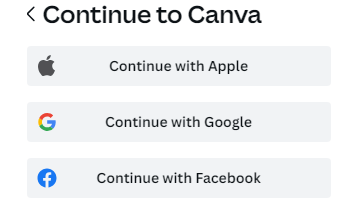
You can set up a Canva account in different ways. Continue with your email address, Google, Facebook, or other methods to sign up and start using Canva for FREE.
Creating and logging in to your Canva account
  1. Go to canva.com and select Sign up
  2. From the signup page, choose Continue with email or Continue with work email.
  3. Enter the email address you’d like to use Canva for.
  4. Enter the authorization code we’ll send to your email address. You can set a password in Account settings later. Learn how to set or change your password.
  5. Verify your email address by following the steps in the email we’ll send you.
  6. Enter the confirmation code from the email you received.

You’re all set! Log in anytime with the email you set.

Logging in to Your Canva Account
  • Log in with your email address or work email address
  • Log in using Facebook, Google, Apple or other methods
  • In some countries, you can also log in with your mobile number


Creating an Account With Your Facebook, Google, Apple or Other Method

You can use one of your other accounts (Facebook, Google, Apple, and others) to create a Canva account.

From the signup or login page, choose Log in/Continue with… . You may have to log in or enter authentication codes related to your chosen account if prompted.

Here are the methods we currently support:

  • Apple
  • Facebook
  • Google
  • Email
  • Microsoft
  • Work email address
 

Note: Some methods may not be available for some countries.