
Mendeley: Referencing Management Software

Build Your Reference Library

Where and What Do I Download?

The new Mendeley Reference Manager helps you simplify the tasks of building and organizing your reference library, making notes and annotations across papers, collaborating with others and inserting citations and bibliographies into the papers you’re writing.

It is available as both the desktop and web app:
Build Your Library

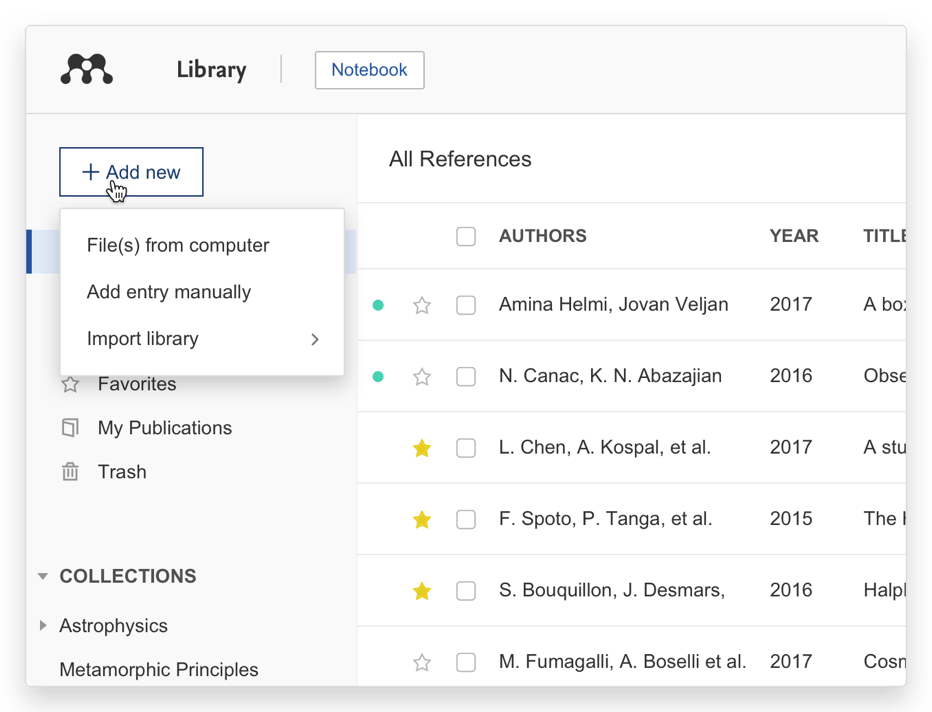
Import references using a variety of methods:

  • Drag and drop PDFs from your computer
  • Import files from your computer
  • Manually create an entry
Highlight and Annotate PDFs
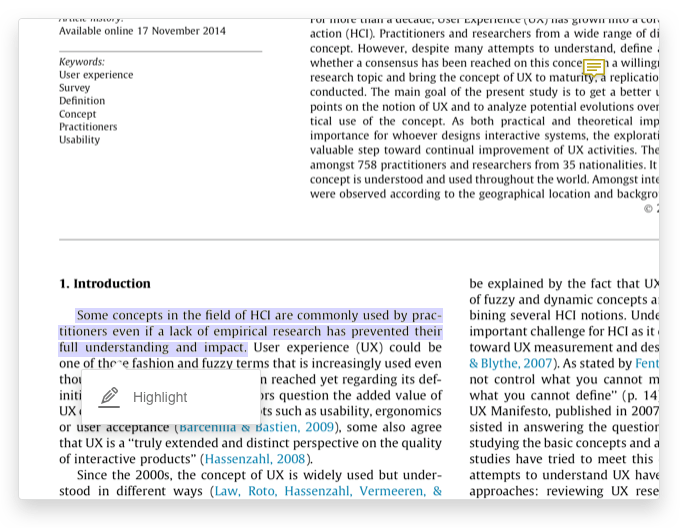
  • Annotate PDFs with sticky notes
  • Highlight text, using different colors to differentiate
  • Work on multiple PDFs at once using the multi-tab format
  • Mendeley remembers where you reach in a document and opens your PDFs in the same location on all devices
Collaborate with Groups
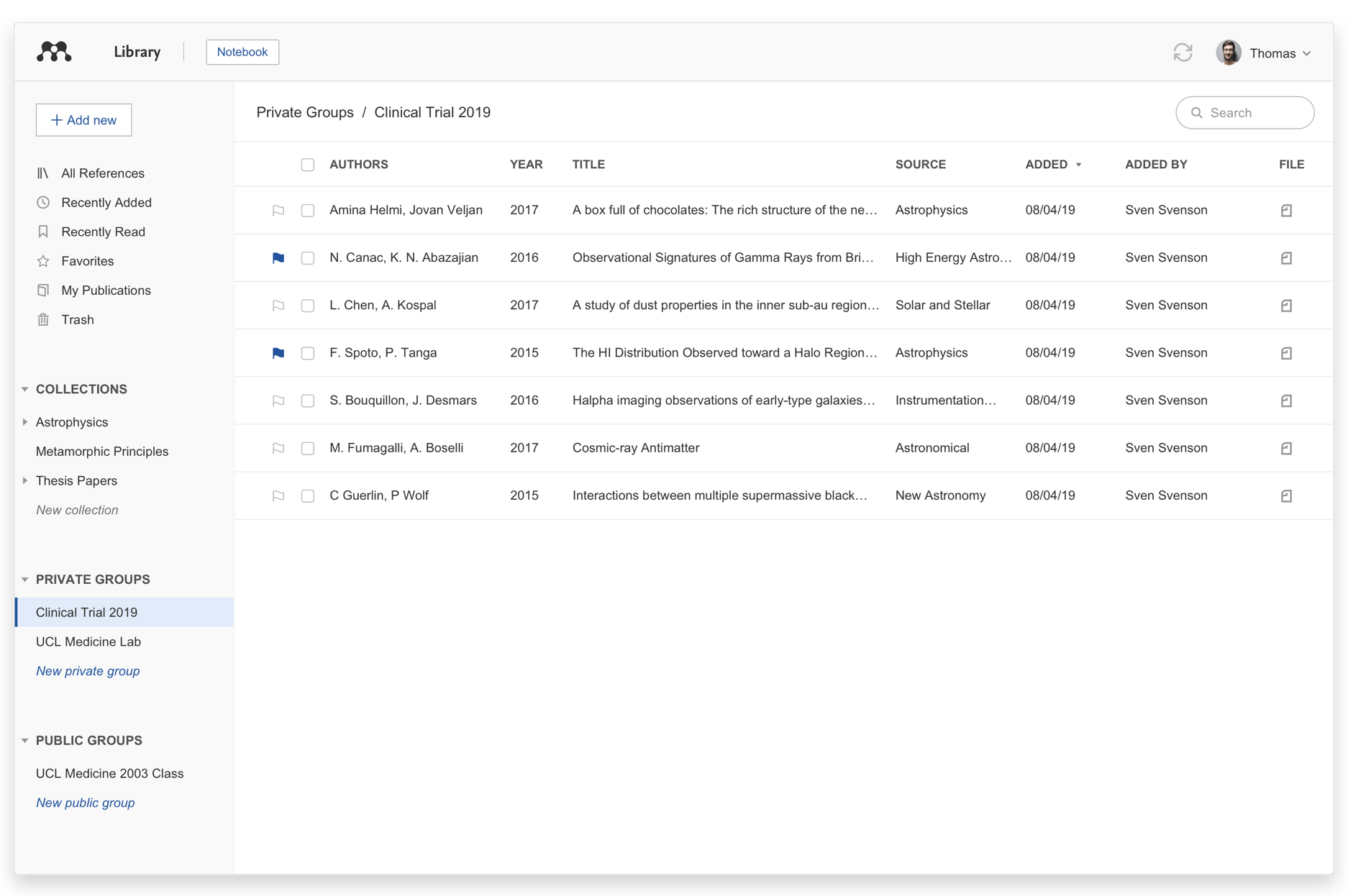
  • Private Groups: These invite-only groups allow you to share PDFs and annotations
  • Public Groups: Share references with your open and invite-only public groups
New! Mendeley Notebook

Collect together all the highlights and comments you make across multiple PDFs using your Mendeley Notebook:

  • Add any highlighted text from a PDF to your Notebook in one click
  • Navigate back to the source of any highlight by selecting it in your Notebook
  • Keep the same Notebook page in view while switching between PDFs
  • Make as many Notebook pages as you need
Organize and Find References
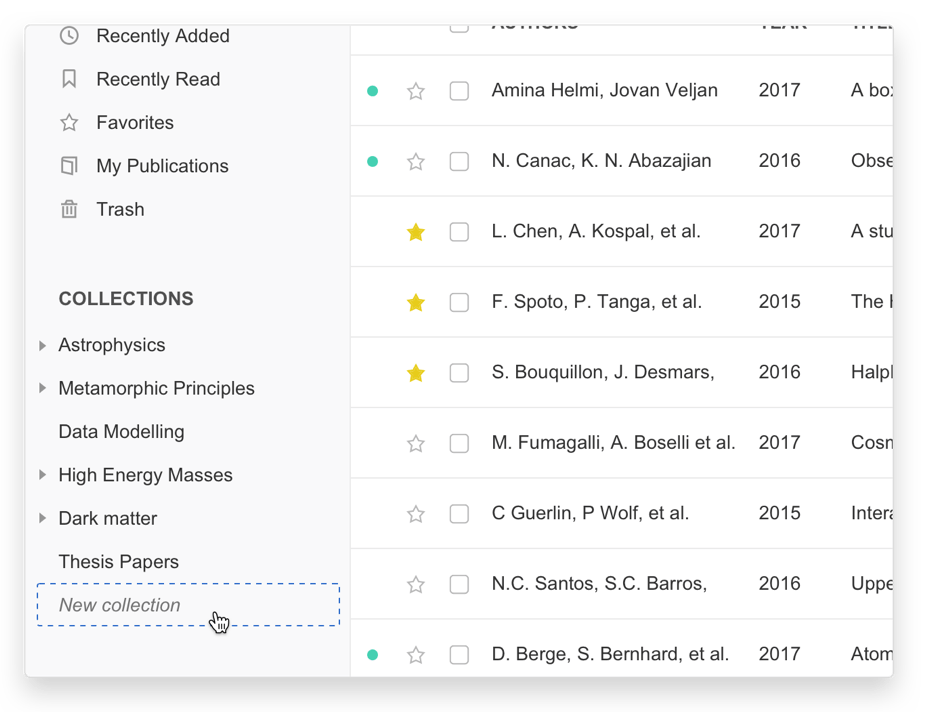
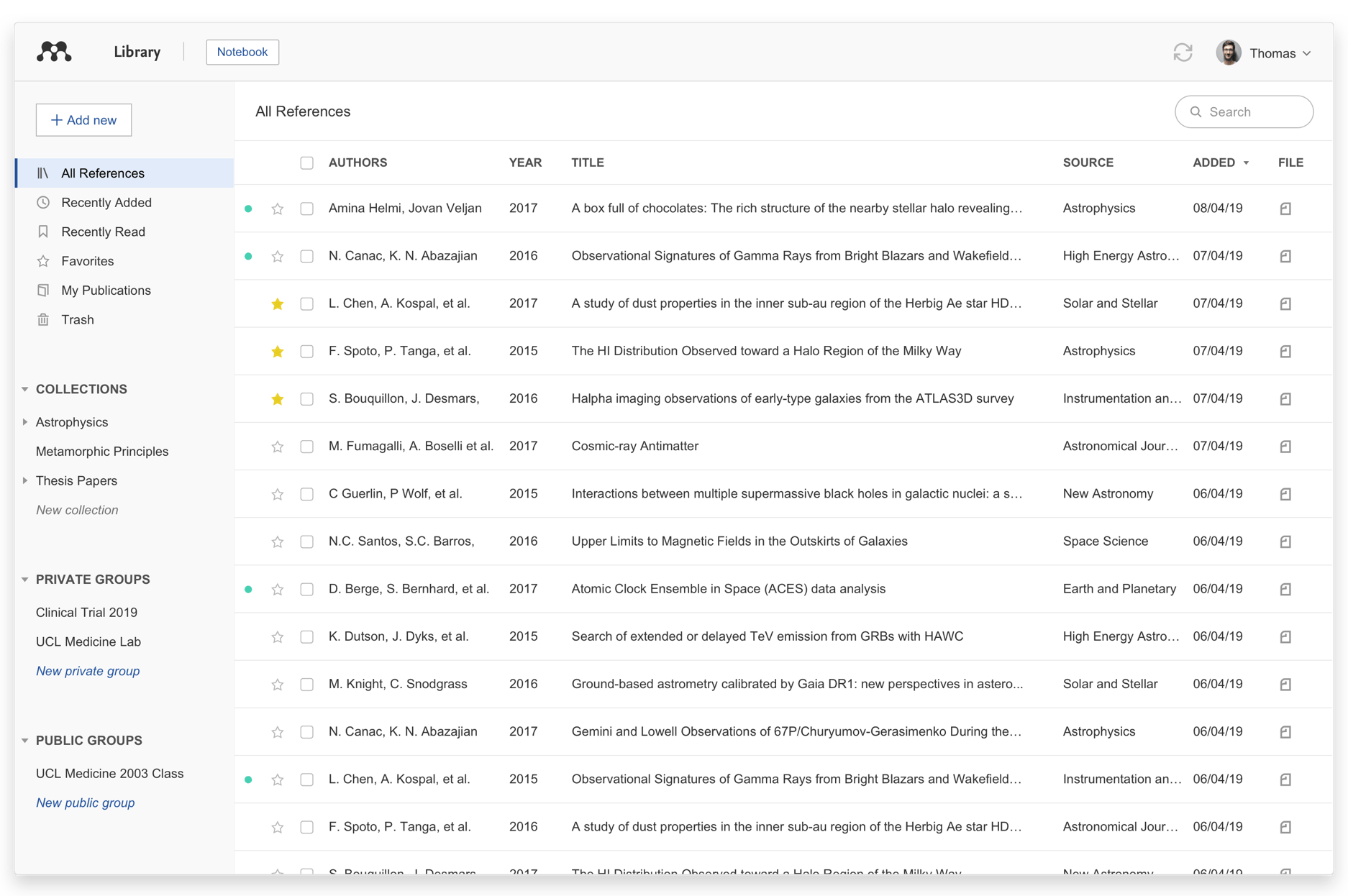
  • Organize your references using Mendeley’s smart collections or by creating your own custom collections
  • Search your references by author, title, year and source
Insert Citations into Your Microsoft® Word Document

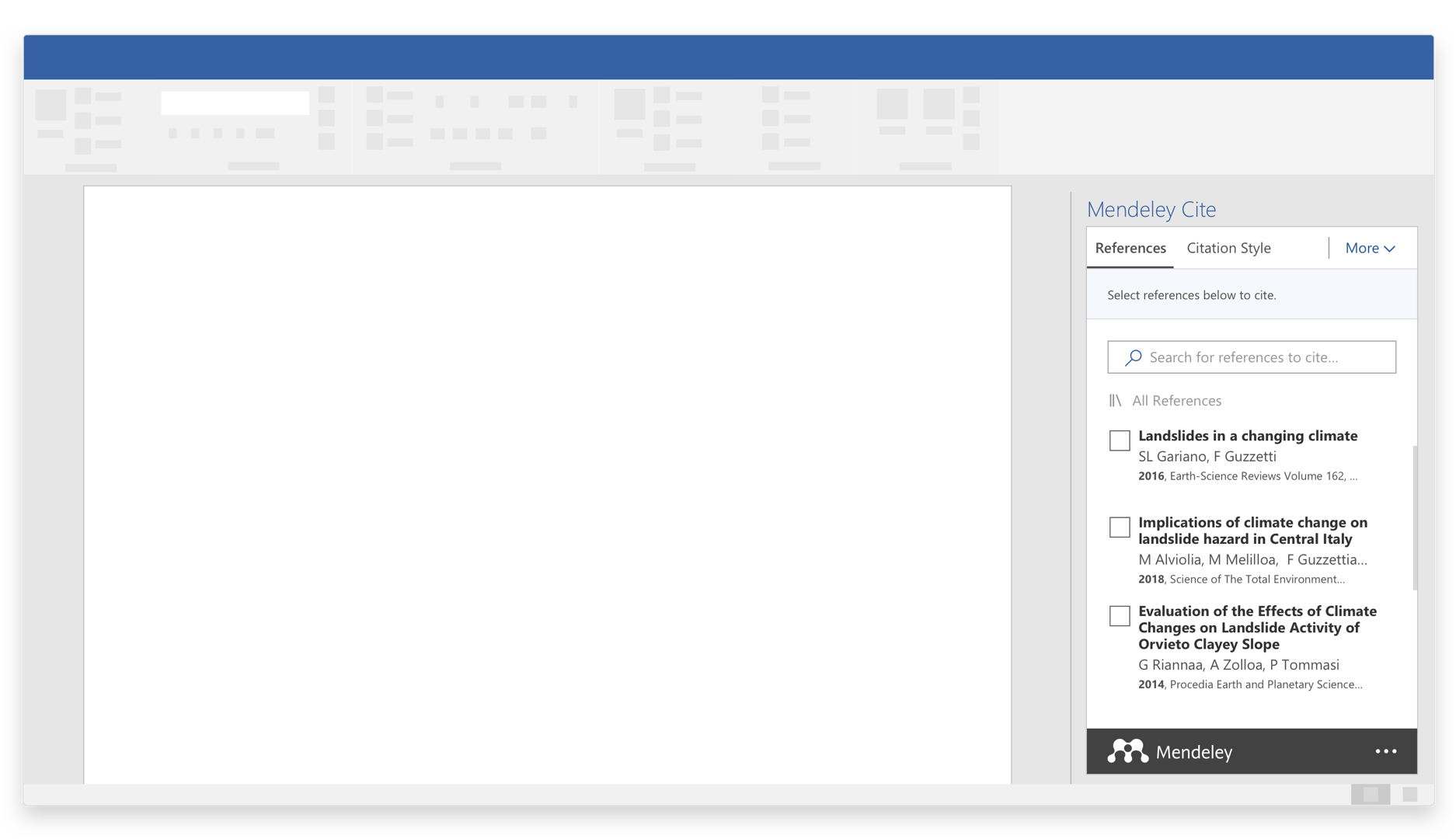
Use the Mendeley Cite add-in for Microsoft Word to generate citations and bibliographies:

  • Find and insert individual or multiple references, and generate a bibliography of all the references you’ve cited
  • Edit a reference in a citation
  • Choose your preferred citation style by selecting from 1000s of different citation styles
  • Refresh references to update them with any changes made to your library
  • Use Mendeley Cite without Mendeley Reference Manager being open or installed

Mendeley Cite is compatible with Microsoft Word 2016 or above, Microsoft Online, Microsoft Office 365 and the Microsoft Word app for iPad®.

Access Your Library Anywhere
  • Mendeley Reference Manager desktop and web versions are identical in look and functionality
  • Your library automatically syncs with its backup in the cloud whenever you add references or make changes
  • Set your library to be available offline and work where you want
New! Mendeley Web Importer

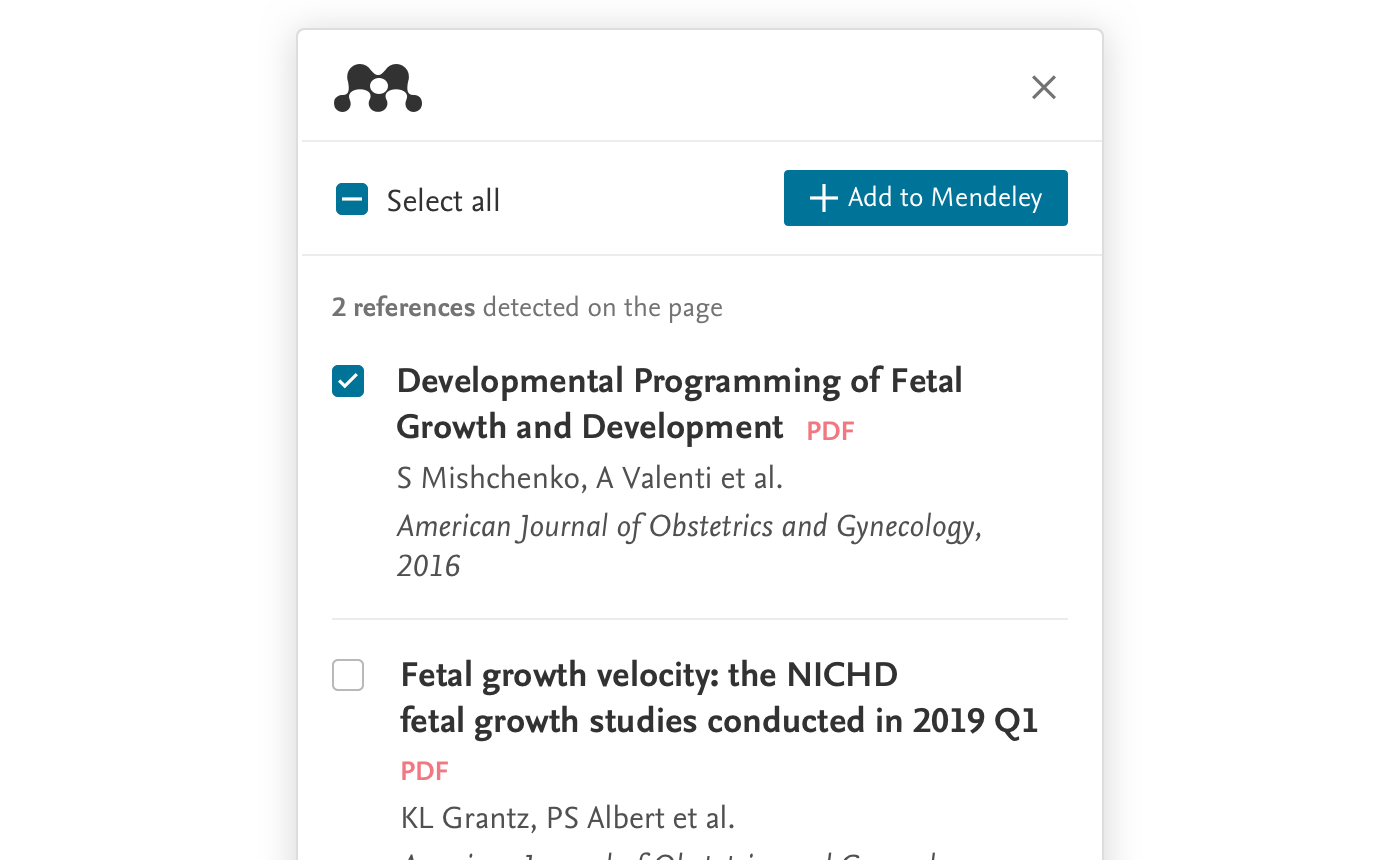
Import articles from the Internet using the new Mendeley Web Importer. It detects article identifiers on the page you are viewing and automatically retrieves metadata and PDF full texts (where available) for you to add to your library.

Mendeley Web Importer is available for Google Chrome, Firefox and Microsoft Edge.

Reference