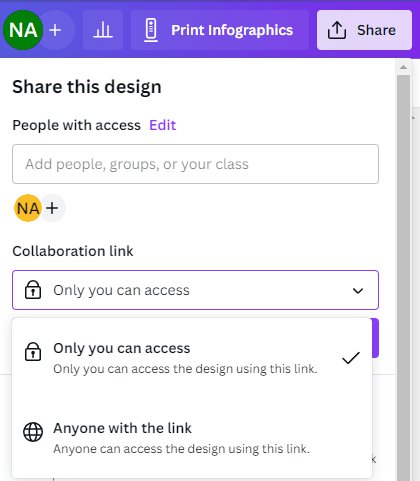
Canva has several ways you can share your image. You can share it with colleagues, granting them permission to view or make edits.
Second step
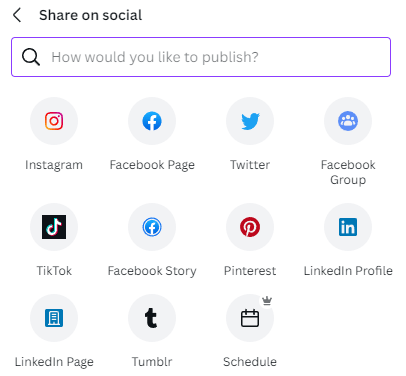
You can quickly create a post to share on social media.
Third step
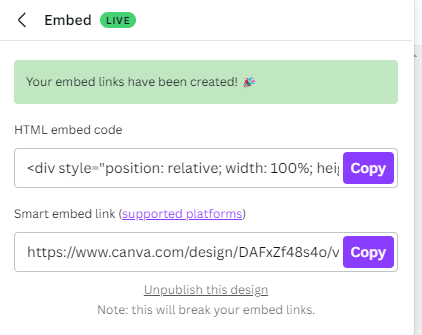
You can also embed your design on your website. Making your design public will allow you to grab an embed code to plug into your site.
Last step
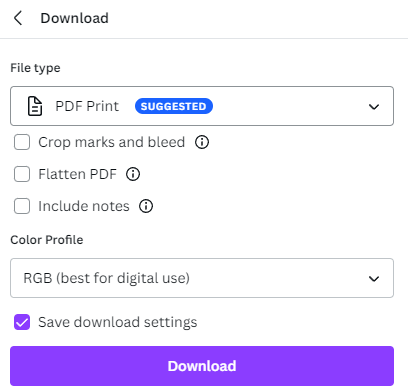
Once design is complete, it’s time to share it. In the upper right hand corner click the SHARE button which will open a dropdown. Click DOWNLOAD and you’ll be given the opportunity to select your file type. You can to share your design in any number of different formats from PNG, JPG, PDF, etc.