Login to Online Services
What Are They and Why?
Private Access for Members
Certain library pages and services are restricted to members only.
Login is required for advanced services and facilities, such as database subscriptions limited to UUM patrons.
Security Measures
Keep login details secure—do not share, lose, or expose them.
Unauthorized use of your account will result in it being frozen.
Profile Updates
Ensure your profile information, especially email and phone number, is up to date for effective communication.
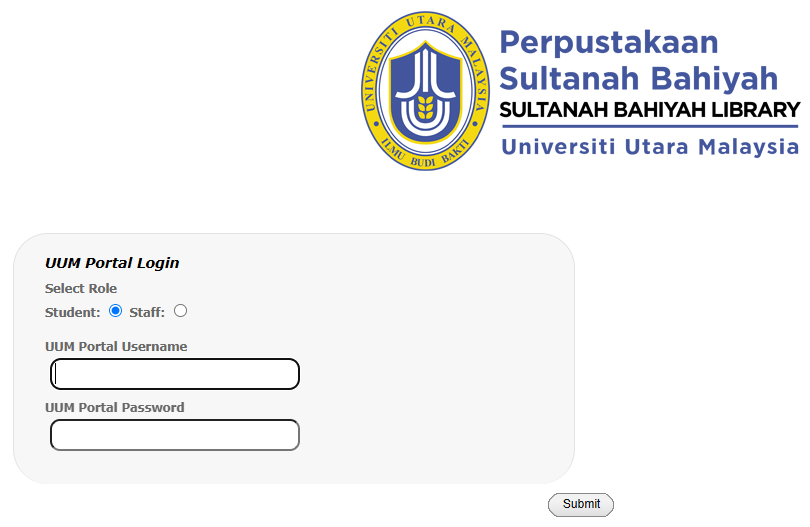
Library Account Login
Library Account Features:
Allows members to manage borrowing, returning, profile updates, reservations, and fine checks.
Login Details:
Username: Your Portal UUM Username.
Password: Your Portal UUM Password.
For forgotten login details, contact One Stop Center or call 604-9283628.
Access:
Members can log in to their account using the provided link (HERE!).
eResources Login
What are eResources?
A platform for UUM’s online collection, including subscribed databases across diverse subjects.
Offers resources such as ebooks, newspapers, journals, indexes, reports, proceedings, case files, research papers, theses, and dissertations.
Collection Size:
more than 1,272,089 Electronic Books
more than 67,710 Electronic Journals
more than 23 Subscribed Databases
Access Details:
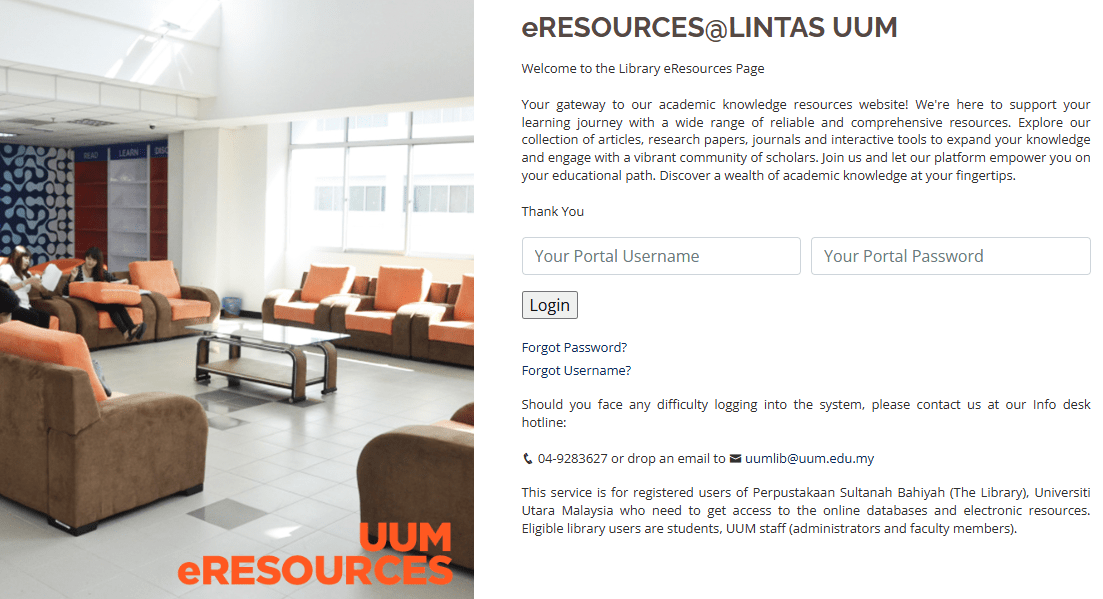
Exclusive to UUM patrons using a UUM Portal Username and Password.
Some databases may not be accessible from home due to copyright/licensing restrictions.
Access Link:
eResources can be accessed via the provided link (HERE).
iRepository Login
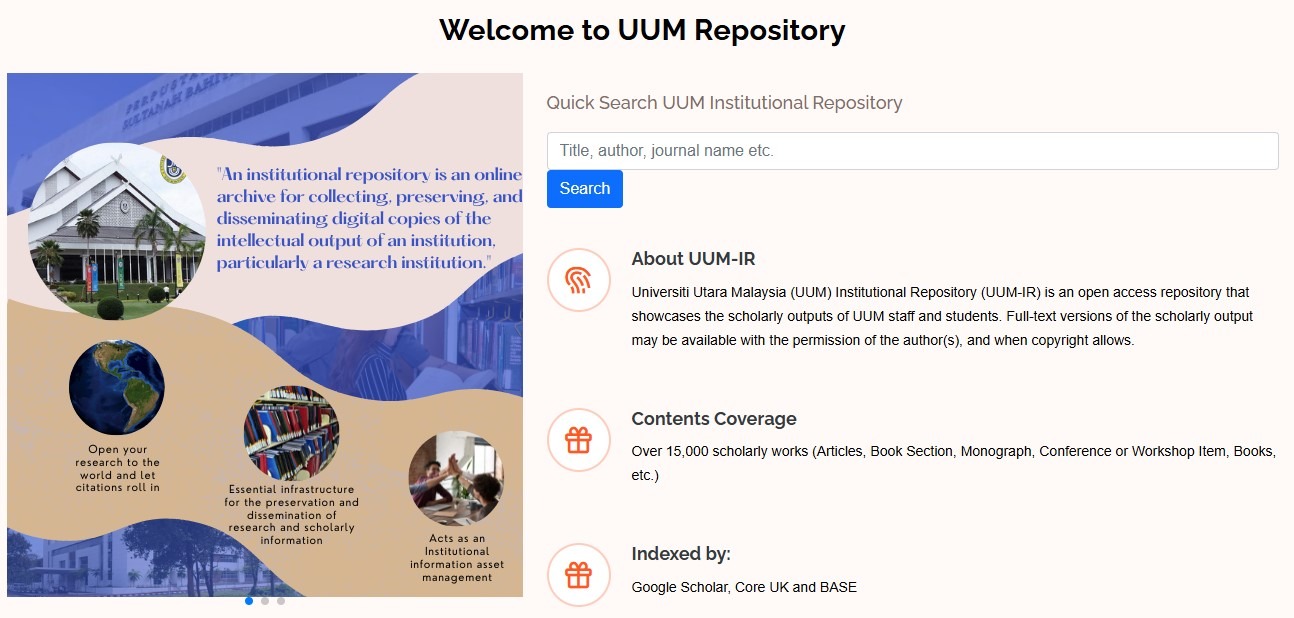
Purpose of UUM iRepository:
Centralized platform for managing academic publications by UUM faculty, staff, and postgraduate students.
Includes journal articles, conference papers, research reports, book chapters, and newspaper articles.
Full-text items are downloadable with author permission and serve as academic references for UUM patrons.
Faculty Member Contributions:
Faculty members can upload their publications by logging into the system (account required).
Alternatively, they can delegate the task to the eLibrary Division staff.
Account Creation:
To get a Repository account, contact Asmaniza Mansor at 04-928 3660.
Once an account is created, faculty can deposit metadata themselves or request staff assistance.
Delegating Metadata Submission:
Request assistance from the Repository Digitalization Unit | Asmaniza Mansor – 04-928 3660
Metadata will be updated periodically based on faculty requests or notifications from the Scholarly Information Services.
eThesis Login
About the Collection:
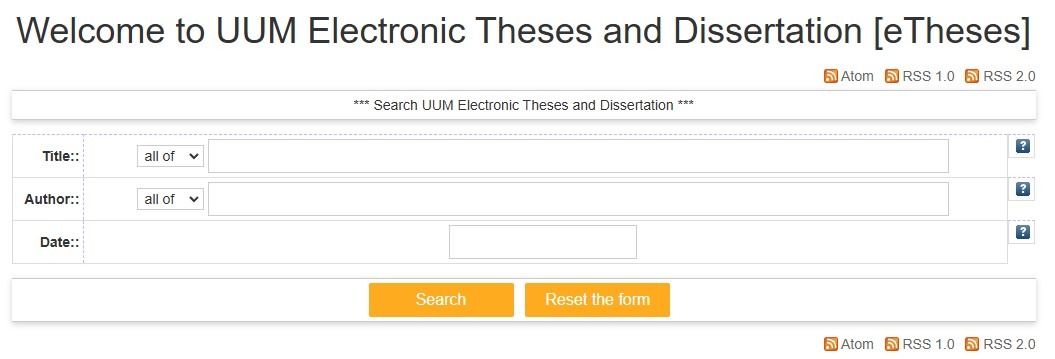
A growing repository of postgraduate theses by UUM researchers, from 1986 onward, including digitized and electronic submissions.
Covers various subjects taught at the university.
Permission to Deposit to UUM ETD System Form
Access Details:
Content is free for personal research, educational, or non-profit use.
Most full-text content is accessible only by contacting the author or responsible authority through the “Request a Copy” link provided in each item’s details (where applicable).
Printed Collection:
Available at the Special Collection, Level 3, New Library building.
Access Link:
UUM eThesis can be accessed via the provided link (HERE!).